Building information. In full view.

Explore, check and share building information. One connected workspace, right in your browser.

Architecture, from
every perspective.

Interactive architectural study.
Select a product to explore.

See the whole picture.

Geometry becomes understanding.

Discover 3D Viewer

See the building.
Find the information.

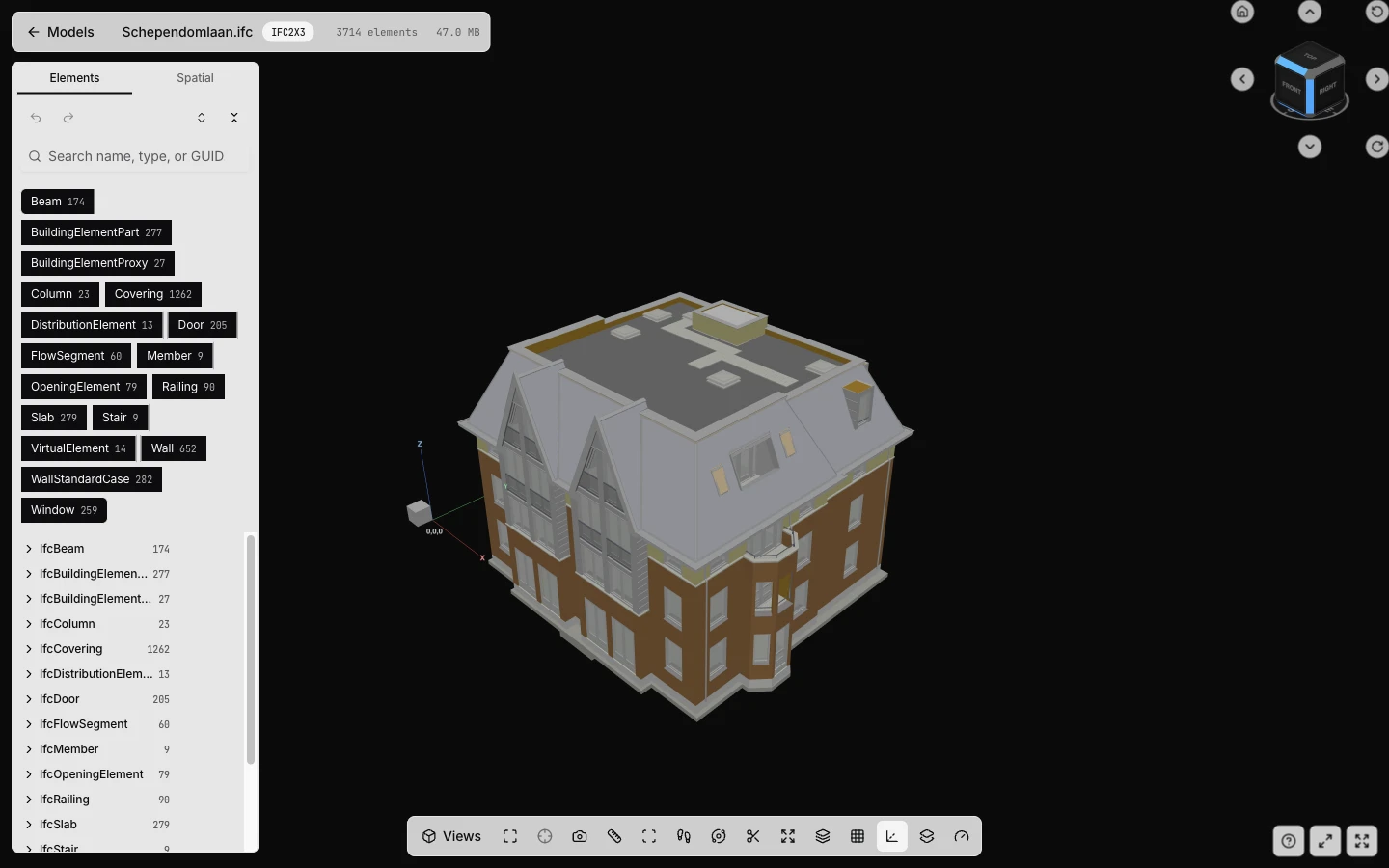
A working 3D viewer, right in your browser. Move through floors, isolate elements and inspect the properties behind the geometry.

Open the sample model
ZEROBiE's real 3D Viewer displaying the public Schependomlaan IFC sample with its element tree and model navigation
Actual product · Schependomlaan public sample3D Viewer / IFC2X3

Less searching.
More understanding.

Assure brings model-quality checks and IFC conformance into one place. Understand what was checked, trace the evidence and decide what needs attention.

See how Assure works

Checks with a reason.

TOBiE Baseline v9
T001

Fire rating missing

A door with no fire rating cannot be checked against the fire strategy, so the compartment it sits in cannot be signed off. The gap is found on site, where changing a door set costs many times what changing a parameter costs.

T003

Missing names

An unnamed element cannot be scheduled, specified or discussed - it appears in every report as a type and a number. The cost lands on whoever reads the model next, who must open the authoring tool to find out what it is.

T004

Orphaned elements

An element in no spatial container belongs to no storey, so it appears in no floor schedule and no area take-off. It is invisible to every quantity and every check that walks the spatial tree, which means it is invisible to the people using the model to build.

A selection from the actual rule catalogue. These are check definitions, not results for the sample building.

Requirements you can check.

Use IDS Ruler to describe which elements matter and the information they must contain. Turn a delivery requirement into a repeatable check.

Example requirement

Every door must have a fire rating.

IFCDOOR → Pset_DoorCommon.FireRating

Meet IDS Ruler

One project. A recorded journey.

Keep files, revisions and people together in the CDE. Share information through review and publication with a history your team can follow.

  1. 1Work in progress
  2. 2Shared
  3. 3Published
  4. 4Archived
Explore the CDE

Your next model.
A clearer beginning.

New to BIM? Start with your first upload. Our handbook takes you through the rest.