Sheet A-103 · Know what needs attention
Find the problems before your client does.
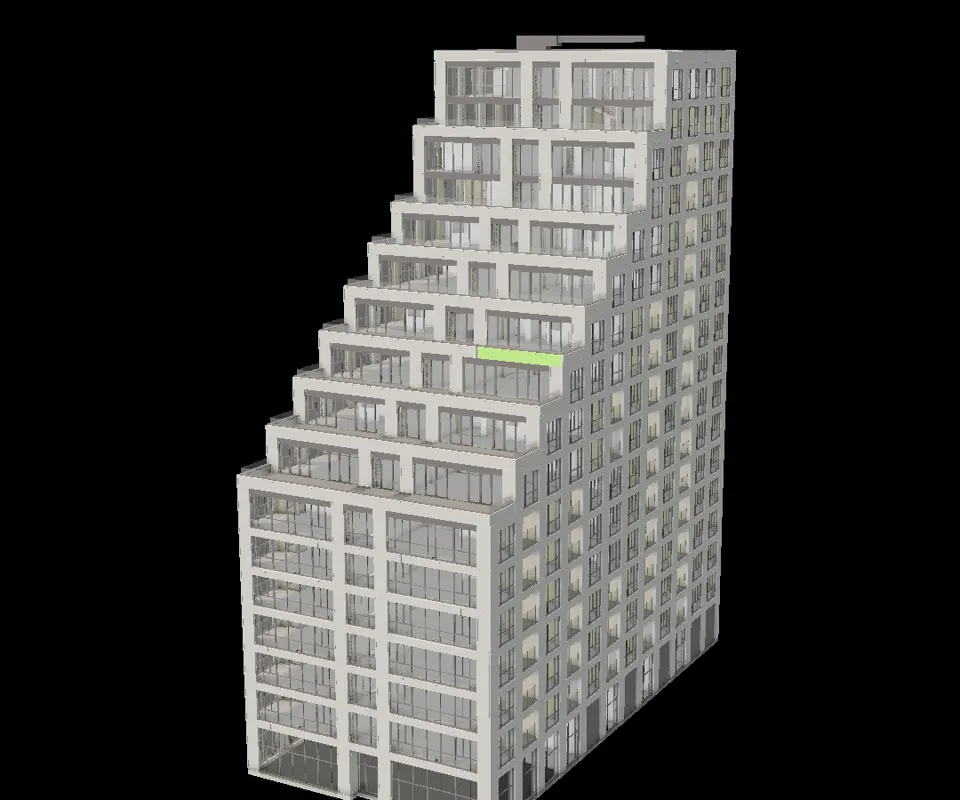
Assure checks every model you upload and tells you what it found, where, and against which rules - with the date it checked, so a result never pretends to be newer than it is.
Already in? Open Assure from a project's left rail.
Checked against buildingSMART's published IFC rules. Each layer reports on its own, with the date it ran - a file that won't parse and a file that bends a convention are different problems, so they never share one number.
01 · How it works
Three steps. No ceremony.
- Step 1
Upload as usual
Checks start on their own when a model is converted. There's nothing extra to run.
- Step 2
Read the findings
Grouped by severity - Critical, Warning, Info - each one pointing at what it's about.
- Step 3
Follow it through
Open a finding's element history, see whether a later version fixed it, and keep the run in History.
02 · The detail
What you actually get.
03 · Fair questions
What people ask before they sign up.
Next sheet · A-104
IDS Ruler
Write your requirements once. Check every model against them.