Sheet A-106 · Ask, and see the source
Ask how. Get the page that explains it.
ZI answers questions about using ZEROBiE by quoting the handbook, and shows you the passages it used - so you can check the answer instead of trusting it.
Already in? Open ZI from the floating button once you sign in.
How do I restore an earlier version?
To see a file's versions, choose History in its actions menu. On Versions, each version is marked Current or Superseded and can be opened or downloaded. Restoring an earlier version does not rewind the file: it brings that content back as a new revision.
Source · Handbook › Files › Versions
Example answers, quoted from the handbook.
01 · How it works
Three steps. No ceremony.
- Step 1
Ask in plain words
How do I restore a revision? What does this finding mean? Ask the way you'd ask a colleague.
- Step 2
Read the answer
ZI answers from the handbook and quotes it, so the wording matches what the product actually does.
- Step 3
Check the source
Every answer shows the passages it came from. One click takes you to the page.
02 · The detail
What you actually get.
03 · Fair questions
What people ask before they sign up.
Next sheet · A-101
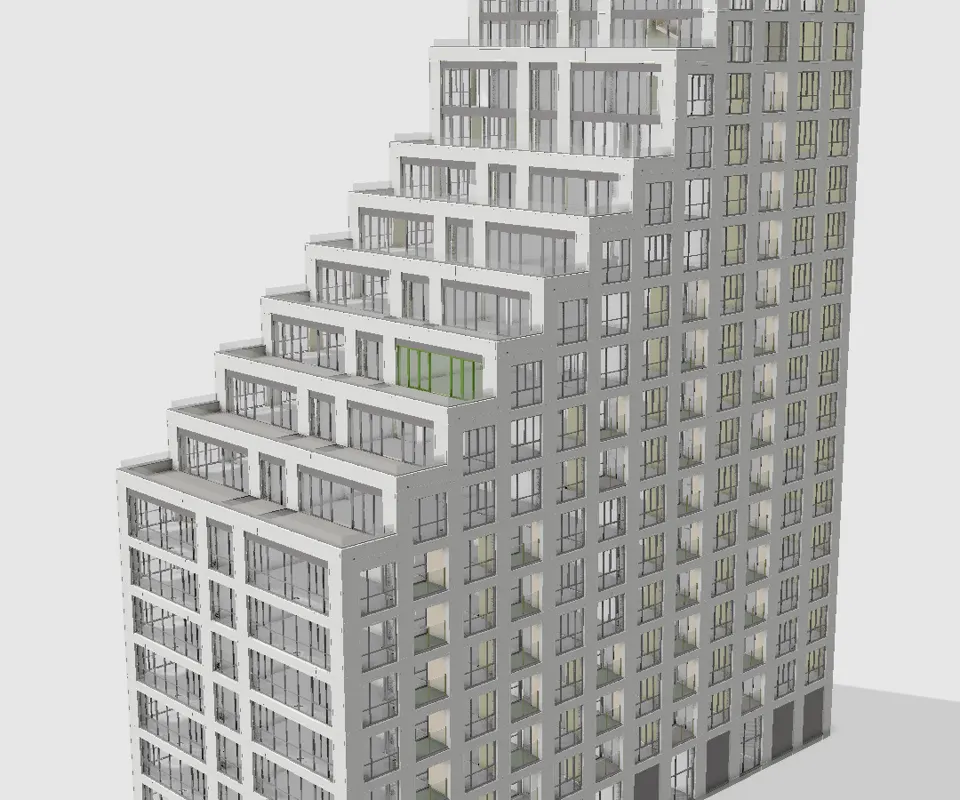
3D Viewer
Open the model. Not a screenshot of it.