Sheet A-104 · Make requirements tangible
Write your requirements once. Check every model against them.
Say what information your project needs - in plain terms, not hand-written XML - and see which elements have it and which don't.
Already in? Open the IDS Ruler from the left rail.
One requirement, two views
- Applies to
- Every wall (IfcWall)
- Must have
- A FireRating in Pset_WallCommon
- Written by
- You, in plain terms. No XML.
Run it on a model and every wall without a fire rating is named, so the conversation is about a wall rather than a spreadsheet row.
01 · How it works
Three steps. No ceremony.
- Step 1
Write the rule
Pick what it applies to and what must be true. The Ruler builds the specification for you.
- Step 2
Run it on a model
See which elements pass and which don't, and jump to each one.
- Step 3
Share it as IDS
Export a standard IDS file for other tools, or import one somebody sent you.
02 · The detail
What you actually get.
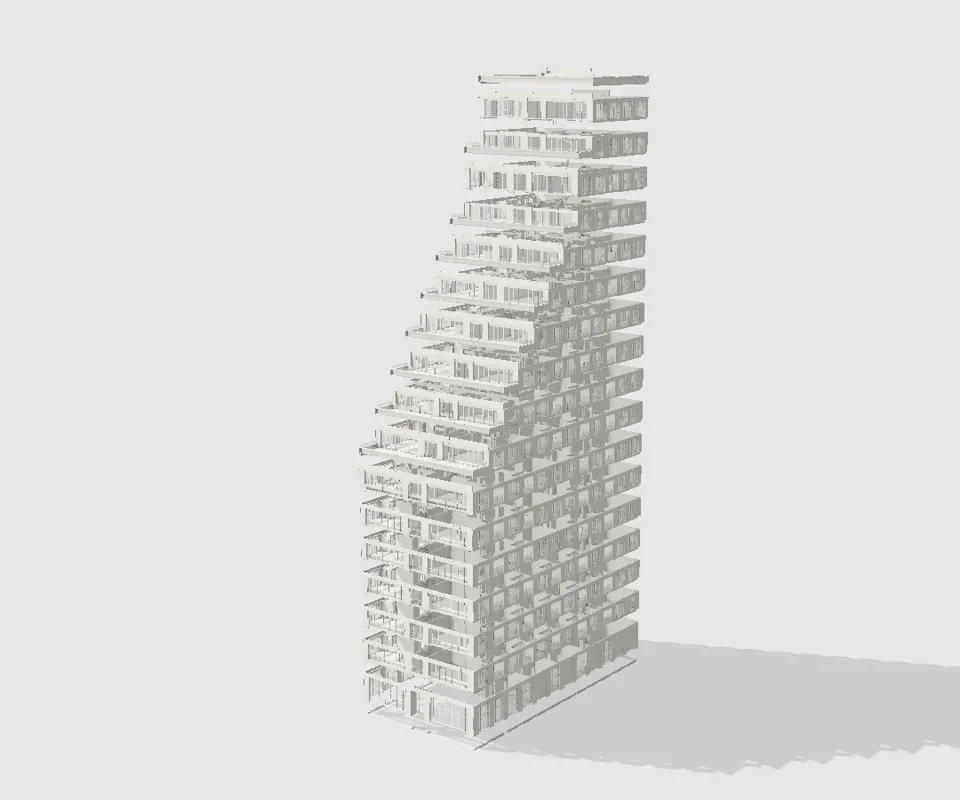
Sixty5 · marked upCallout 1 of 4
03 · Fair questions
What people ask before they sign up.
Next sheet · A-105
Element history
Every wall remembers where it has been.