Sheet A-105 · Every element keeps its story
Every wall remembers where it has been.
One page per building element: every model version it appeared in, every finding ever raised against it, and every change to its properties - with who, when and why.
Already in? Open it from Assure: select a finding, then Element history.
GlobalId 07JN2rRyJ4y2D5Z_X333BN · 08 Achtste verdieping
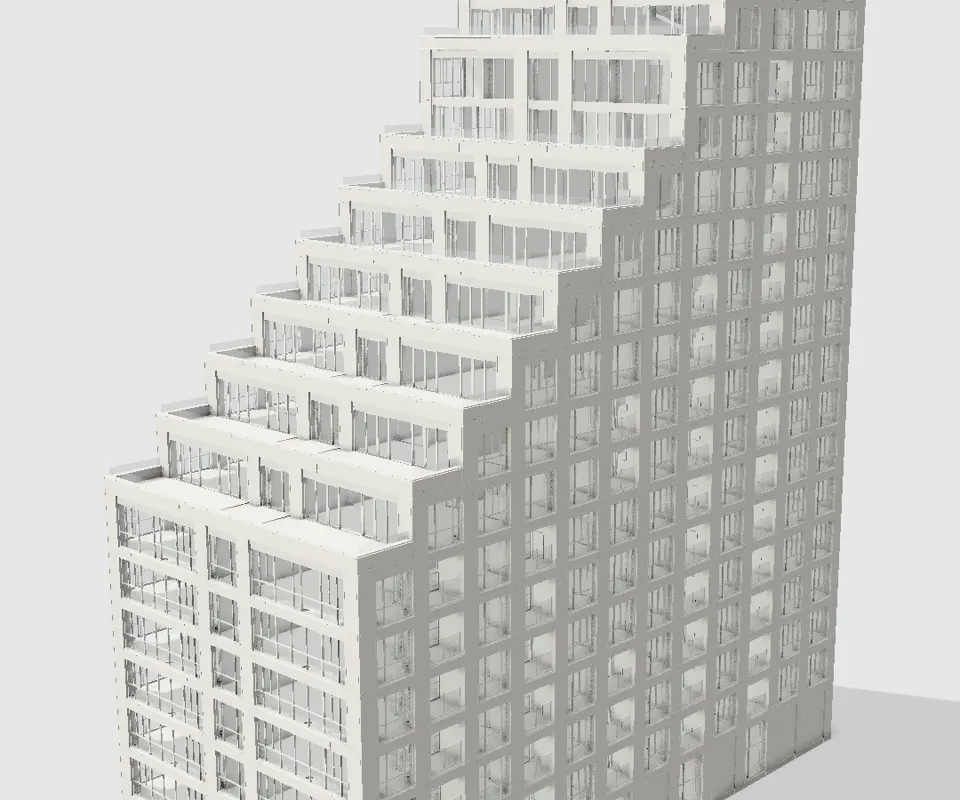
Illustration: the wall is real, from the Sixty5 model; its history here is an example of the record ZEROBiE keeps. Click a step to replay it.
01 · How it works
Three steps. No ceremony.
- Step 1
Upload a new version
The element is recognised again, so its story continues instead of starting over.
- Step 2
Findings follow it
A finding raised on version one is still on the record when version three fixes it.
- Step 3
Changes are signed
Each property change records its value before and after, its author, its reason and its time.
02 · The detail
What you actually get.
03 · Fair questions
What people ask before they sign up.
Next sheet · A-106
ZI assistant
Ask how. Get the page that explains it.